Works without signal
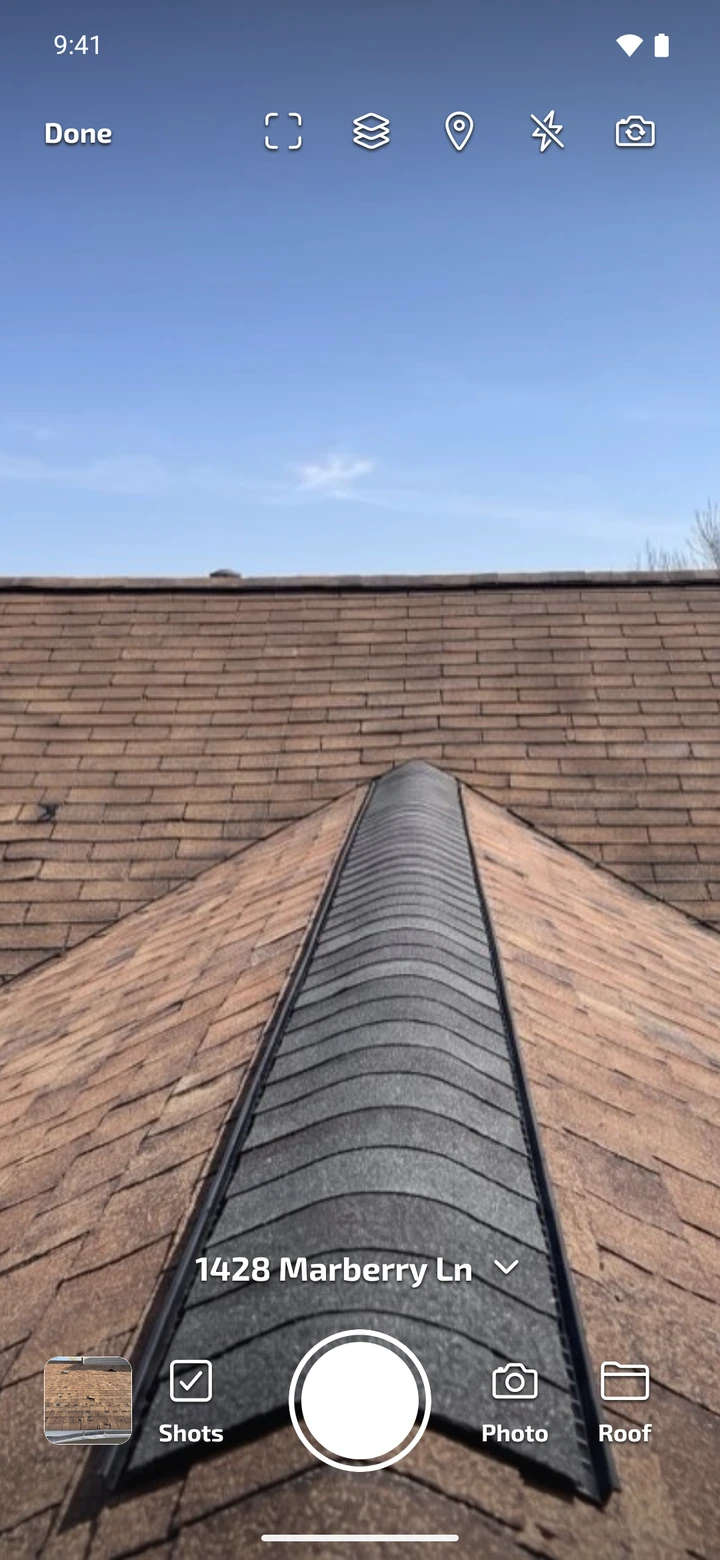
Shoot and file photos on a roof, in a basement or out of range. They upload on their own once you're back online.
Photos file themselves to the right project as you shoot, so a finished job is already a link or a report you can send.
 Dana Whitfield
Today45
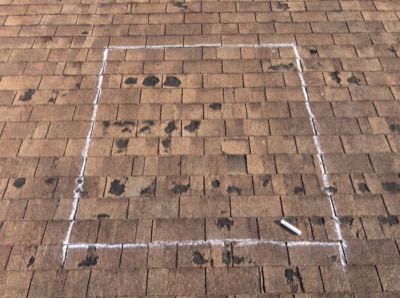
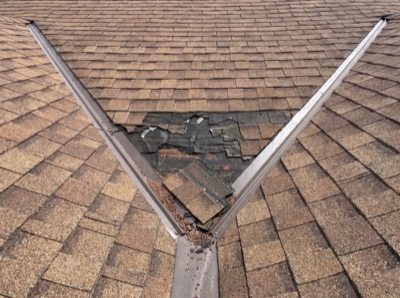
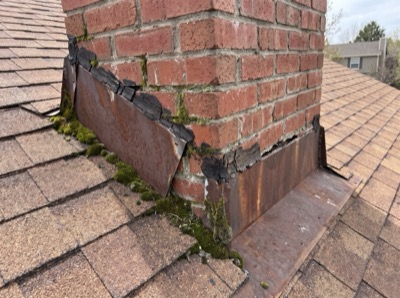
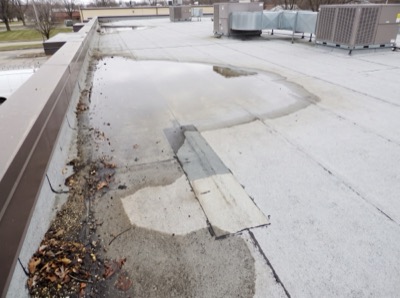
Yesterday5
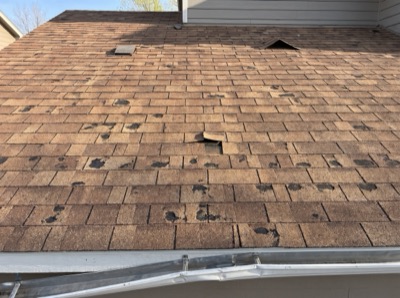
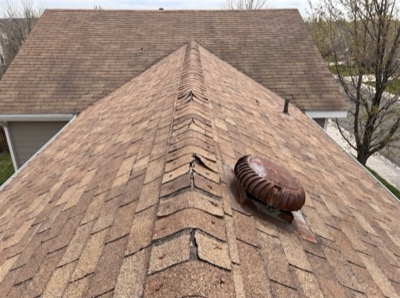
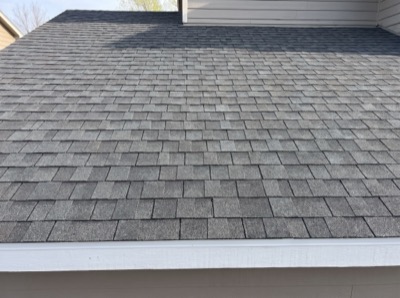
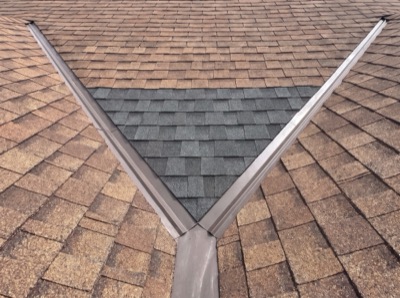
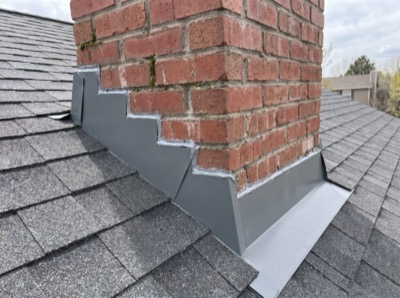
Tap to focus. Hold to outline.Outlining… Release your finger and hold the camera steady.Outline ready. Take a photo to save it.
Saving outline…Outline savedRoof
Watch one photo go from the roof to a finished report. It files itself, reaches the office in seconds and leaves as one link.
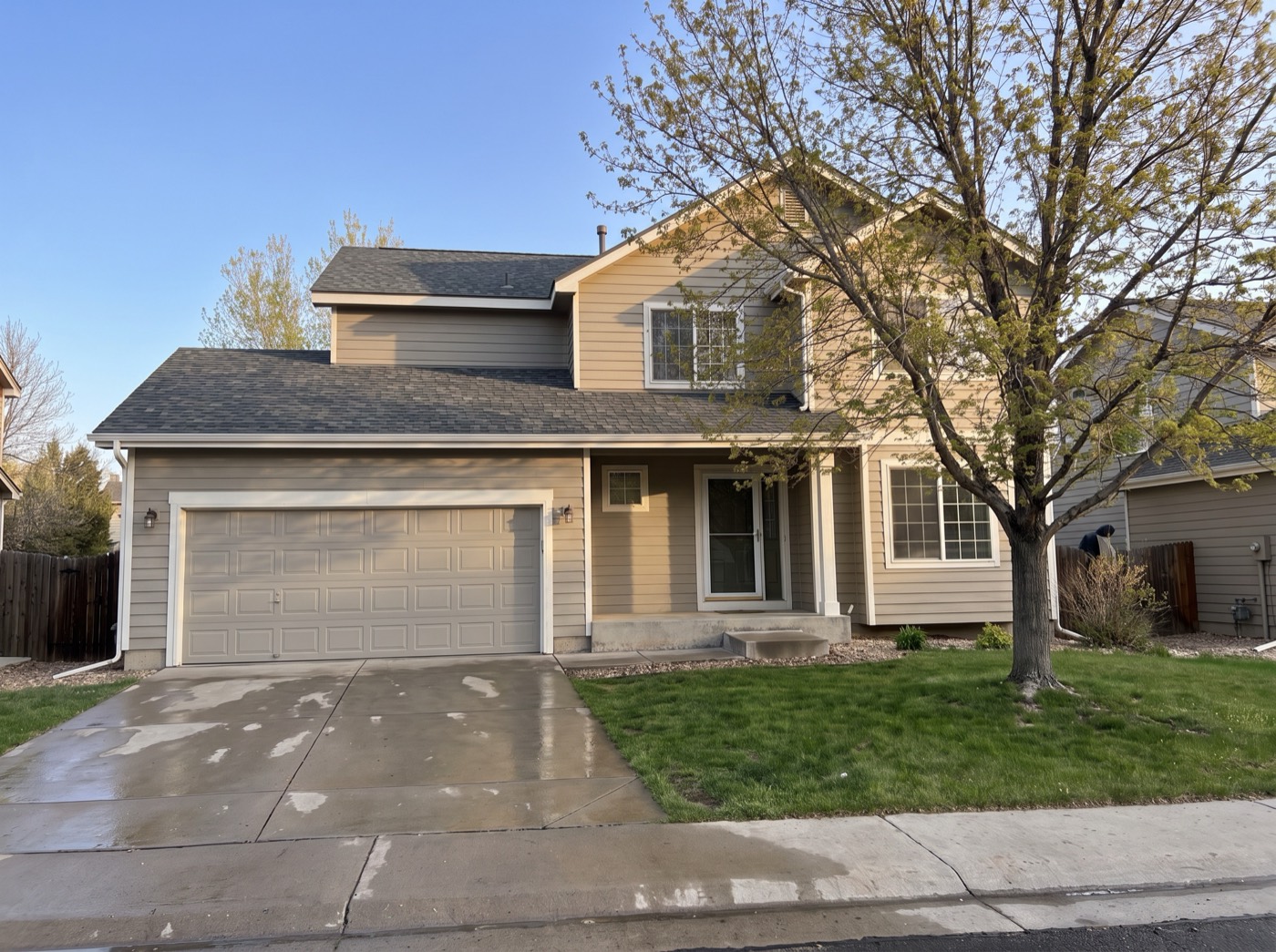
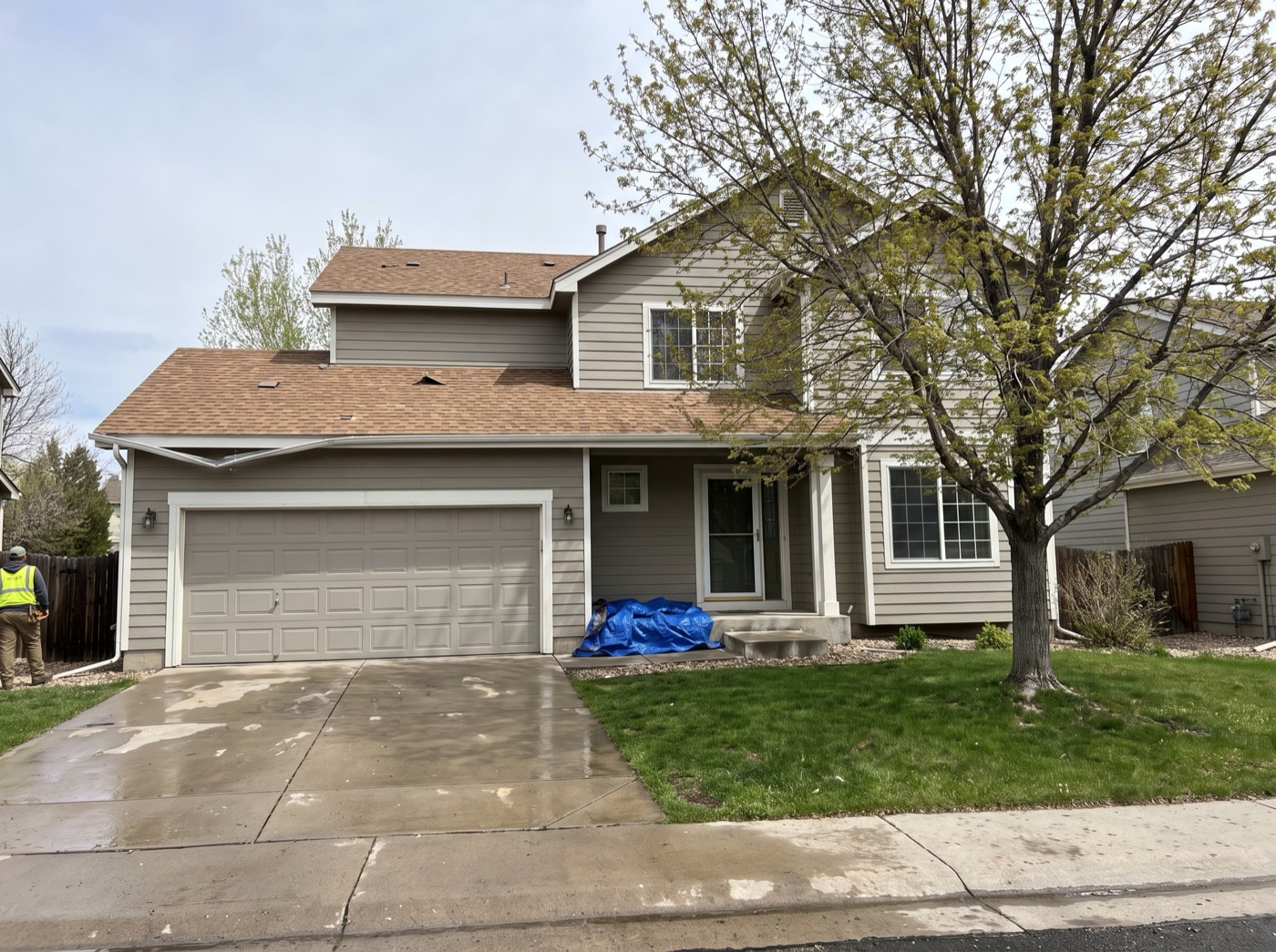
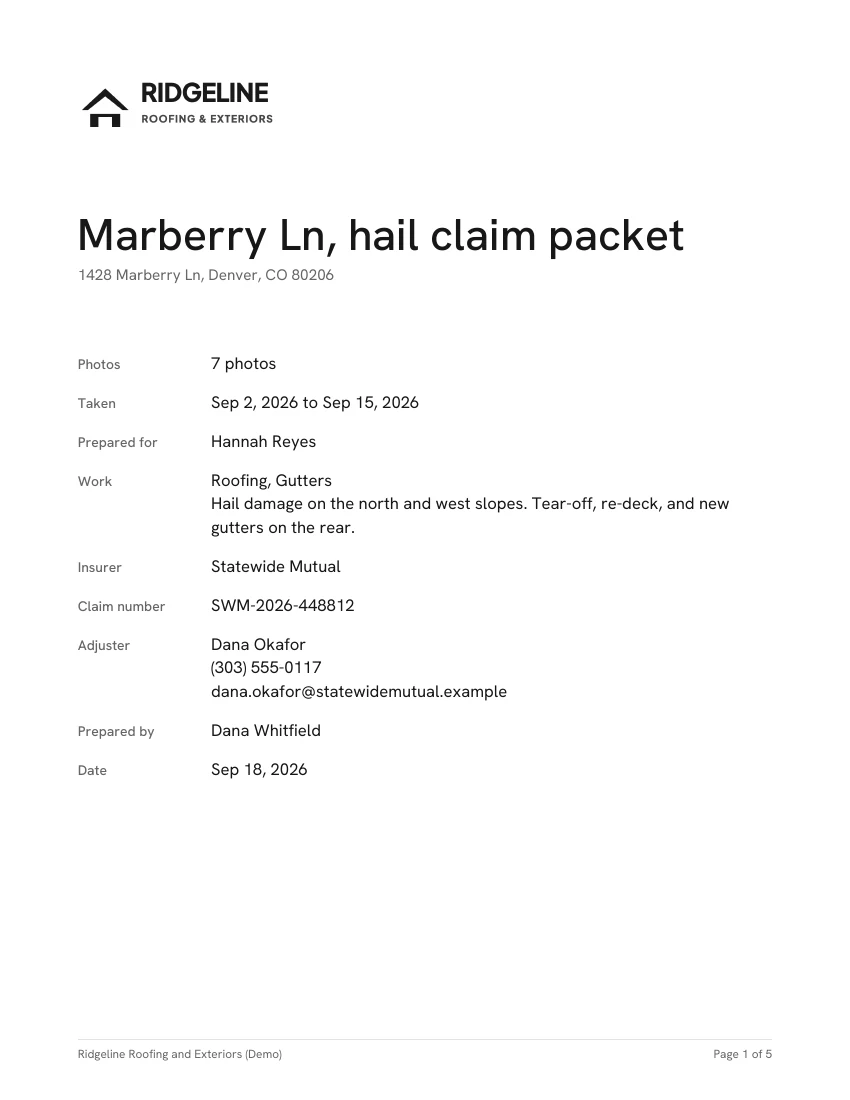
A day on 1428 Marberry Ln, in the app the crew already has open.
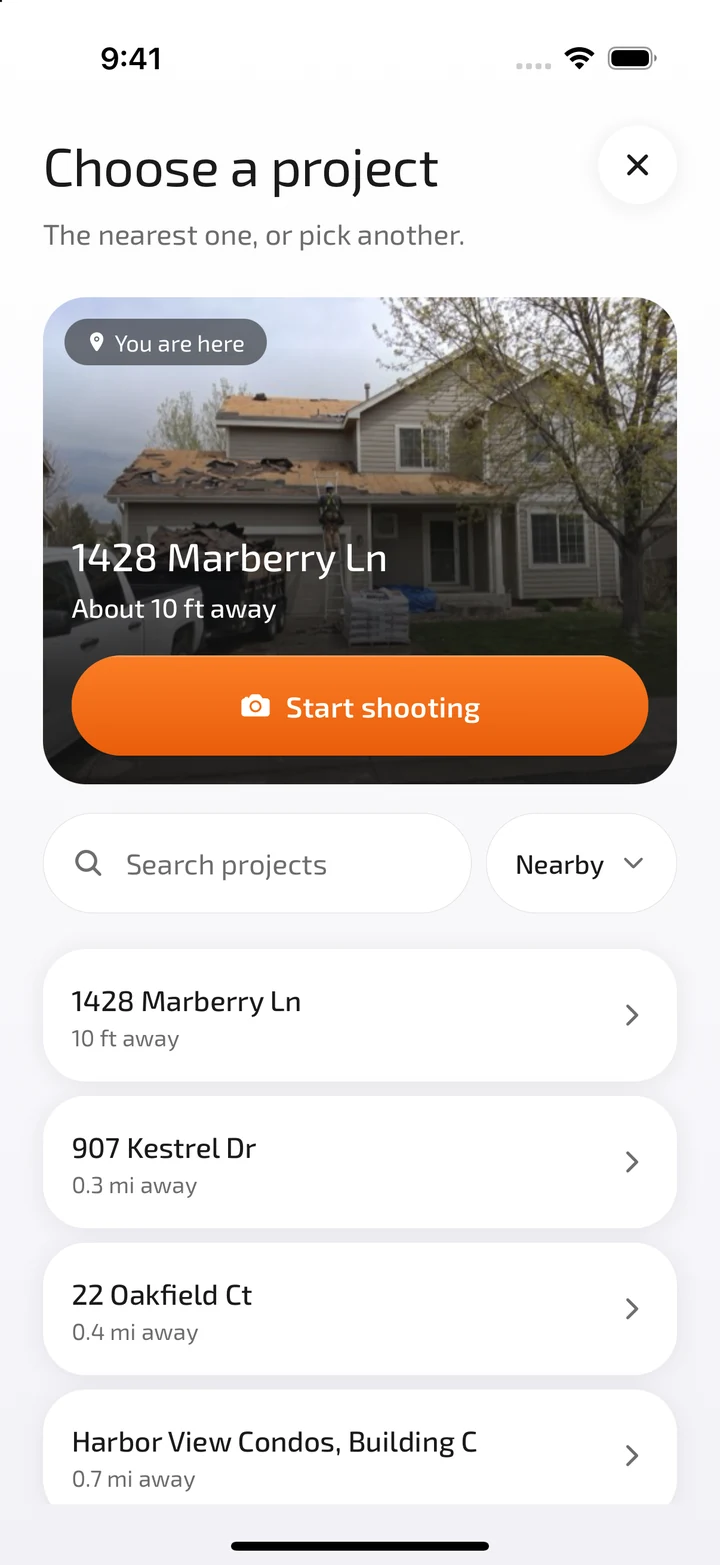
FolioCam puts the job you're standing at first. One tap opens the camera, filing every shot to it.
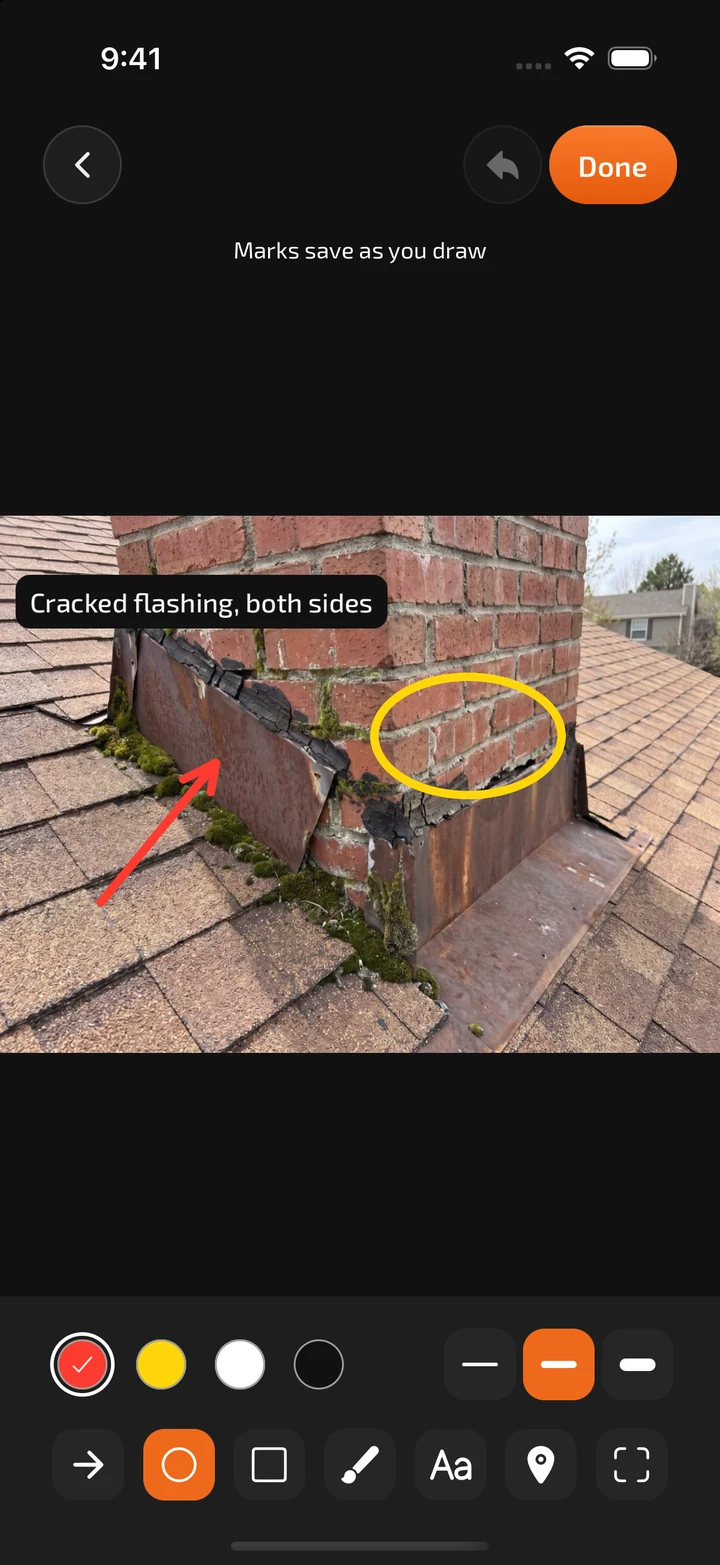
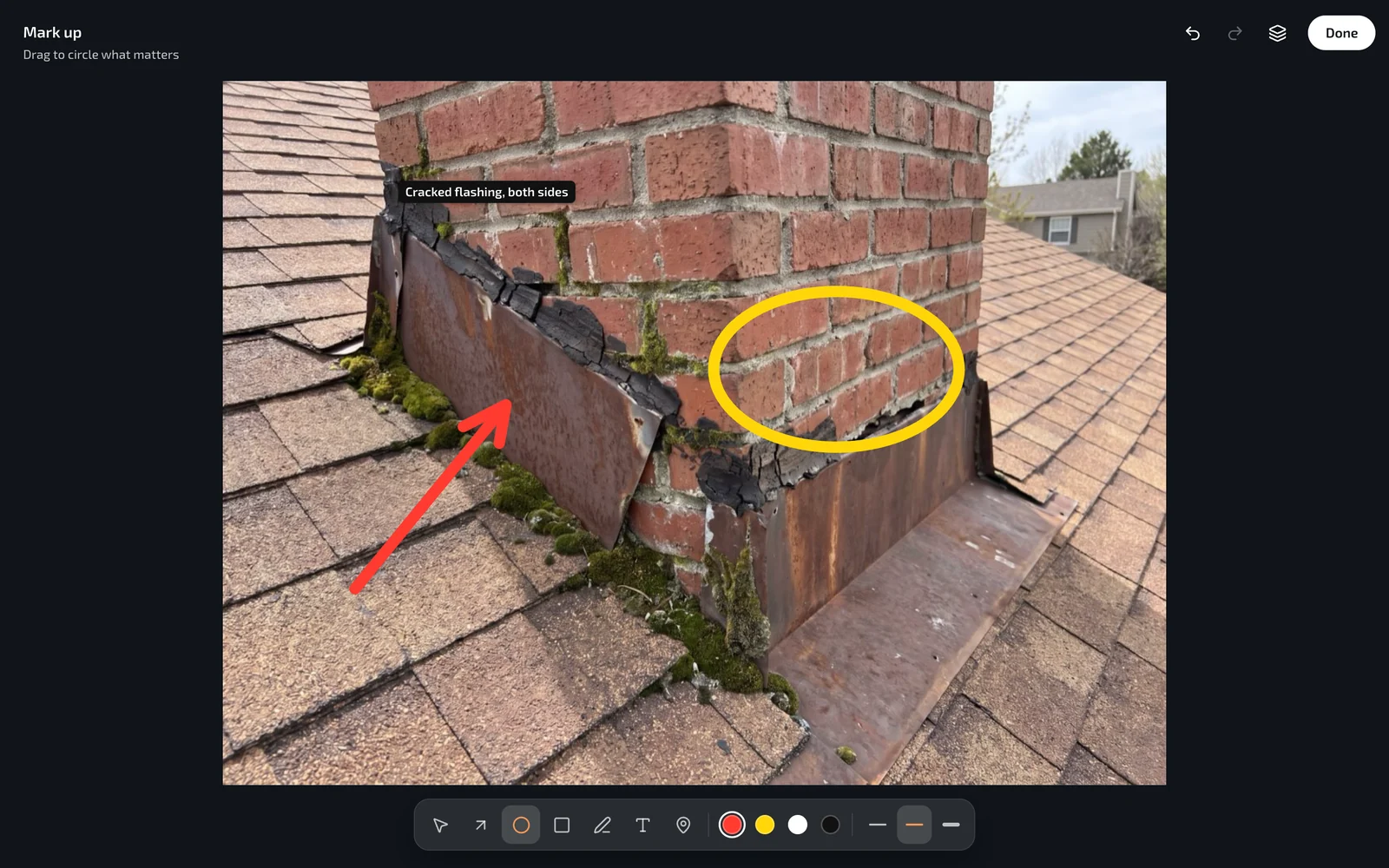
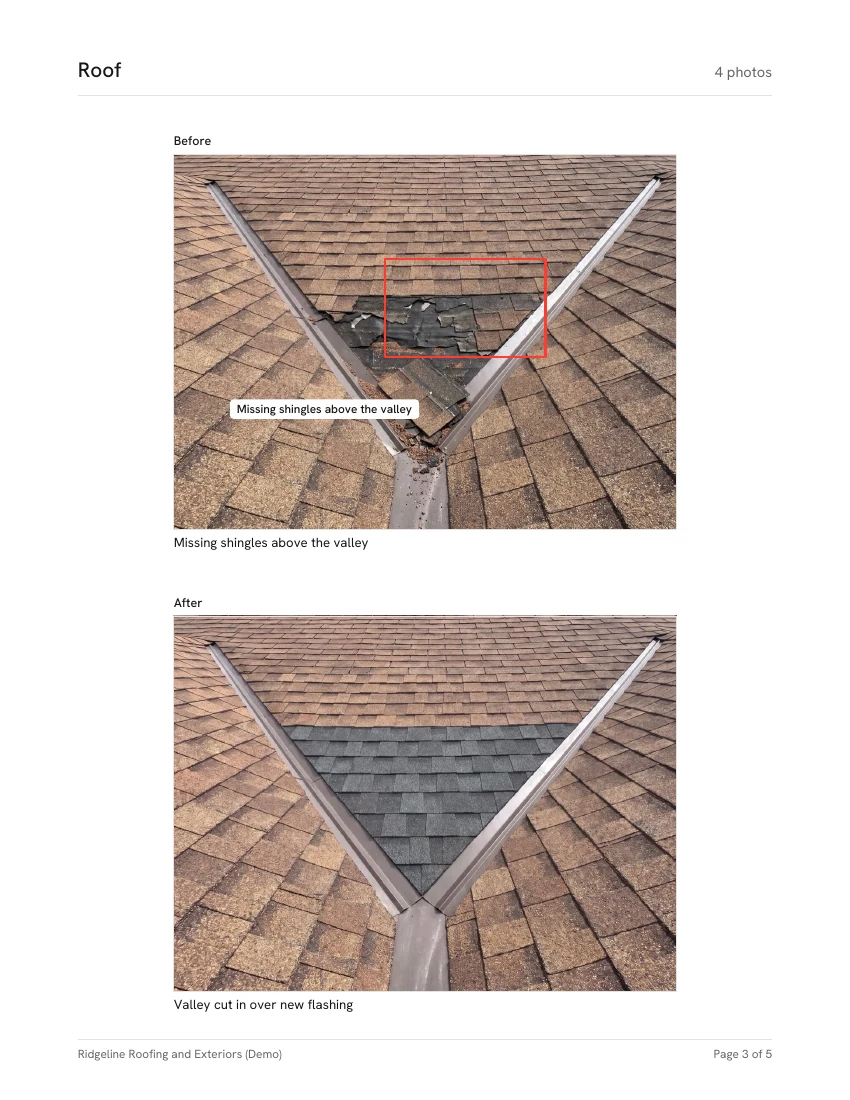
Mark up a copy of the photo with a circle, an arrow and a few words. The original stays clean.
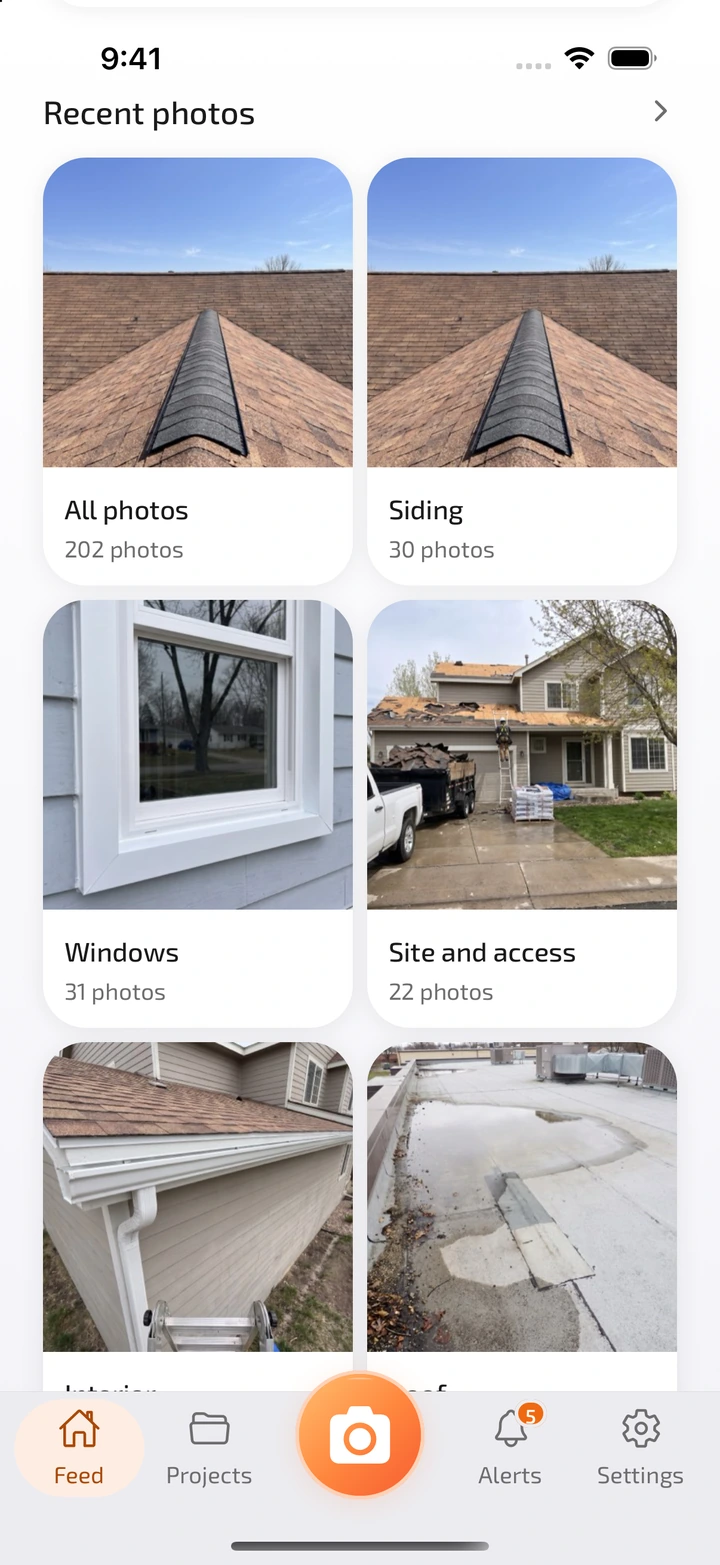
Every photo lands in its job and its folder, with who took it and when. Nobody texts a picture to the office again.
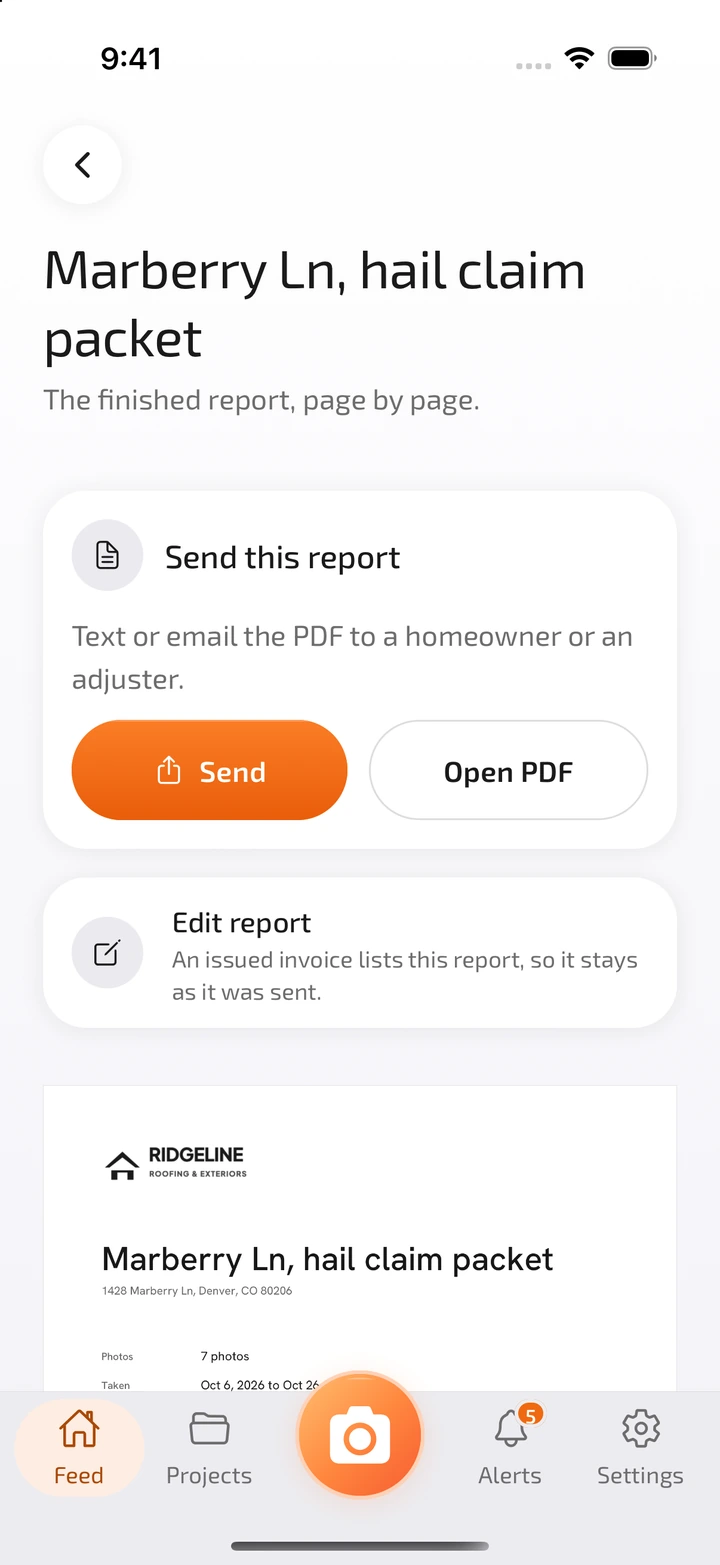
Pick the photos, put your logo on it and text the PDF to the homeowner or the adjuster.
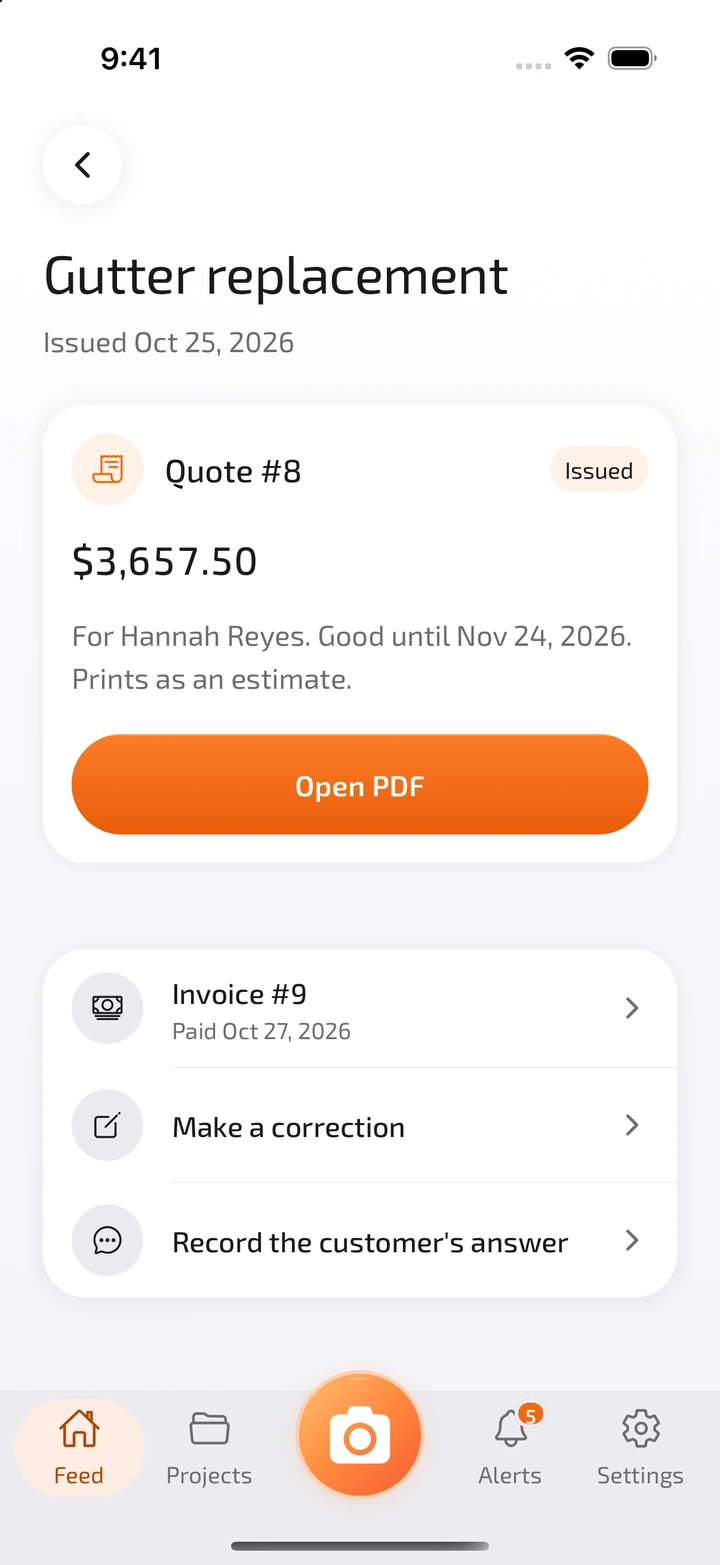
Build the quote on the customer you already saved, then turn it into an invoice when the job is done.
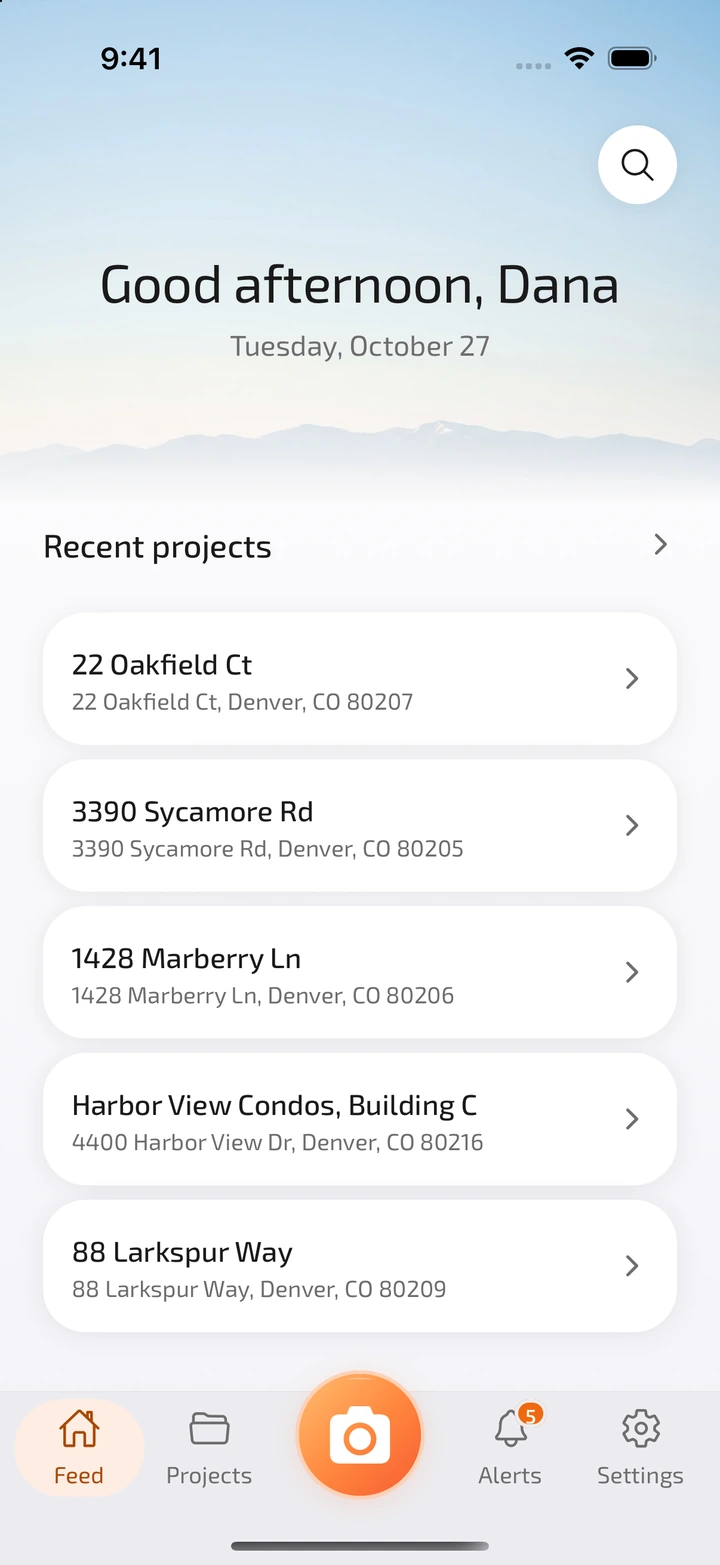
Home opens on the jobs that moved today and the photos that came in, so tomorrow starts where today stopped.
The same projects and photos at app.foliocam.com, in any browser. Nothing to install.
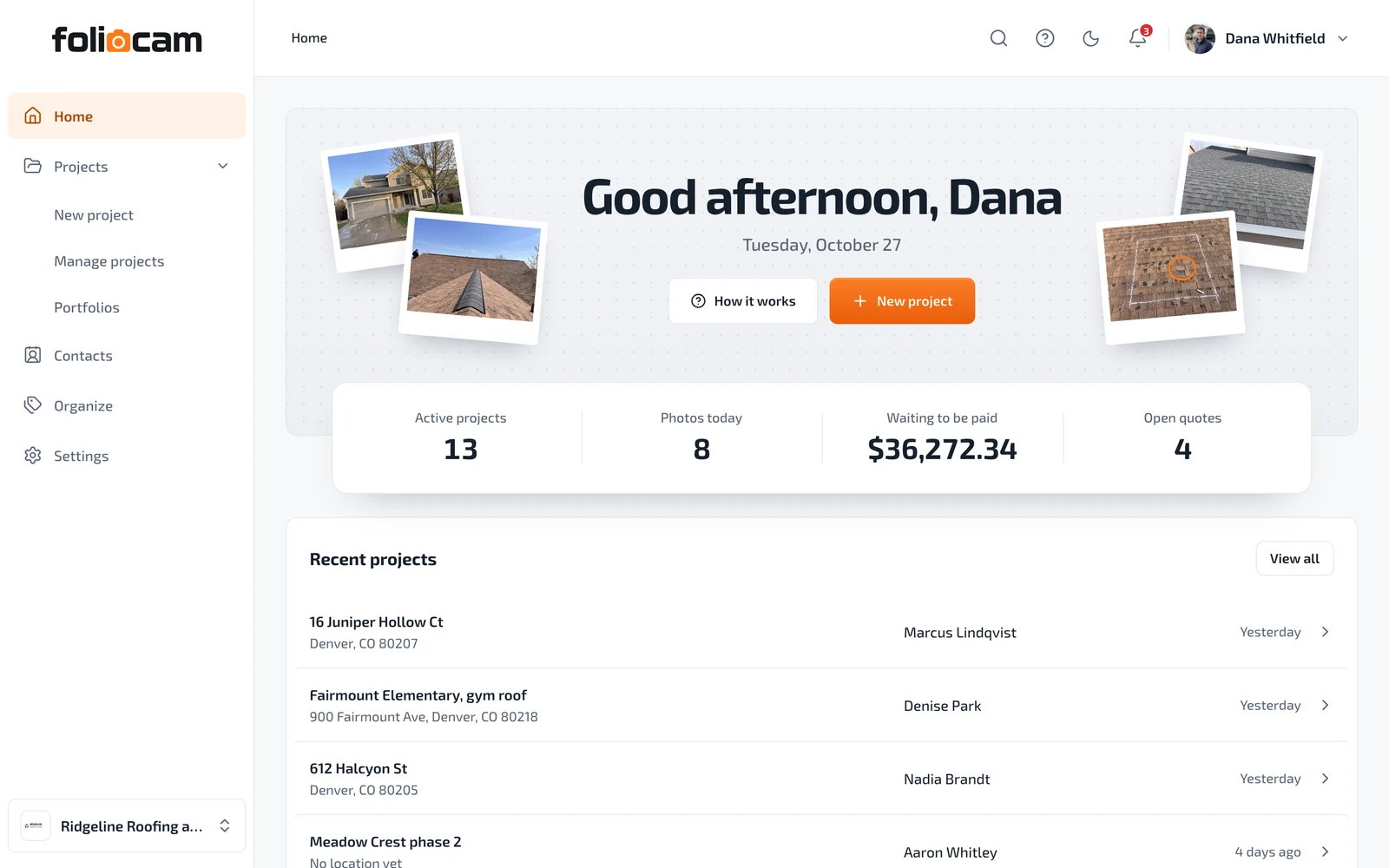
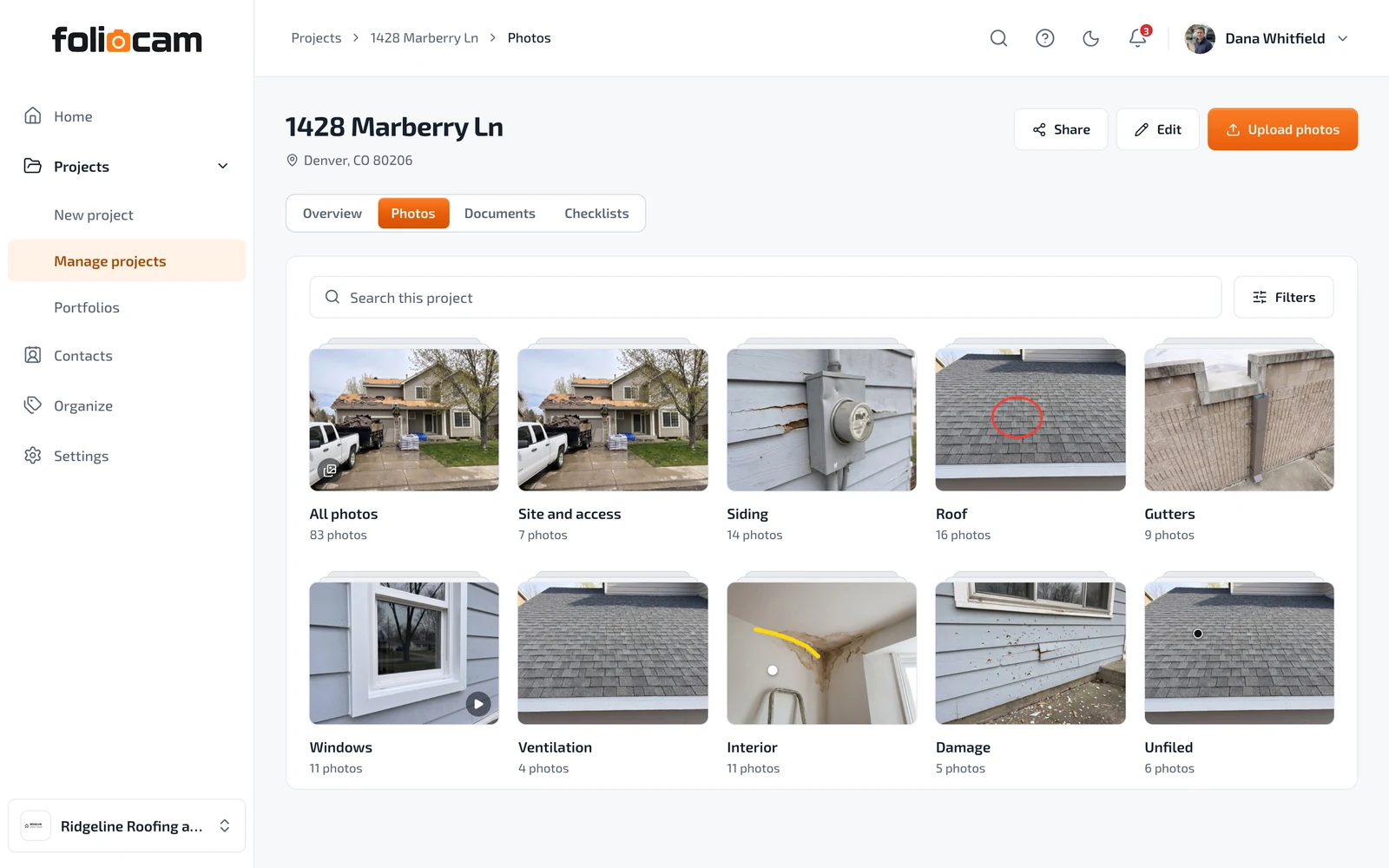
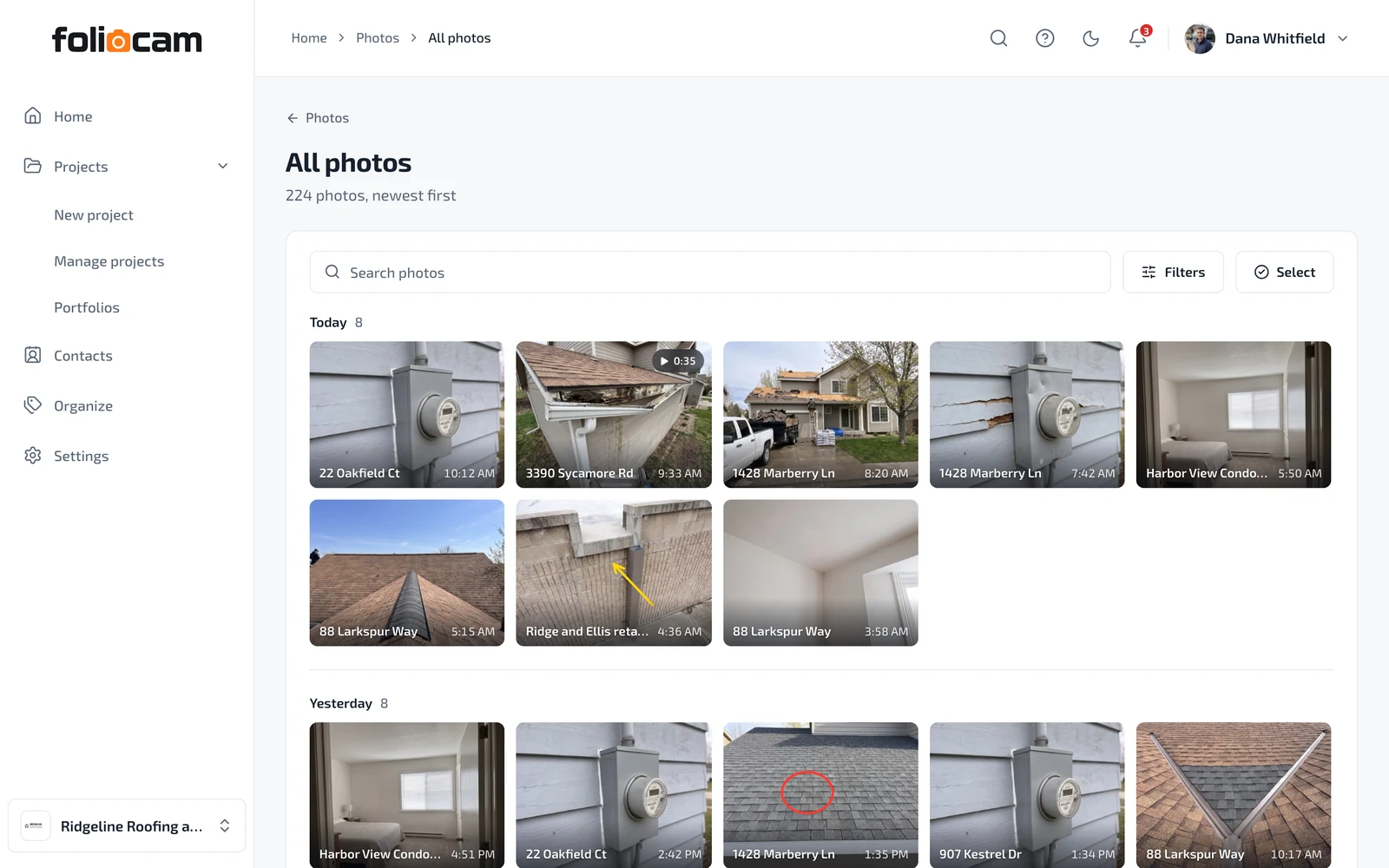
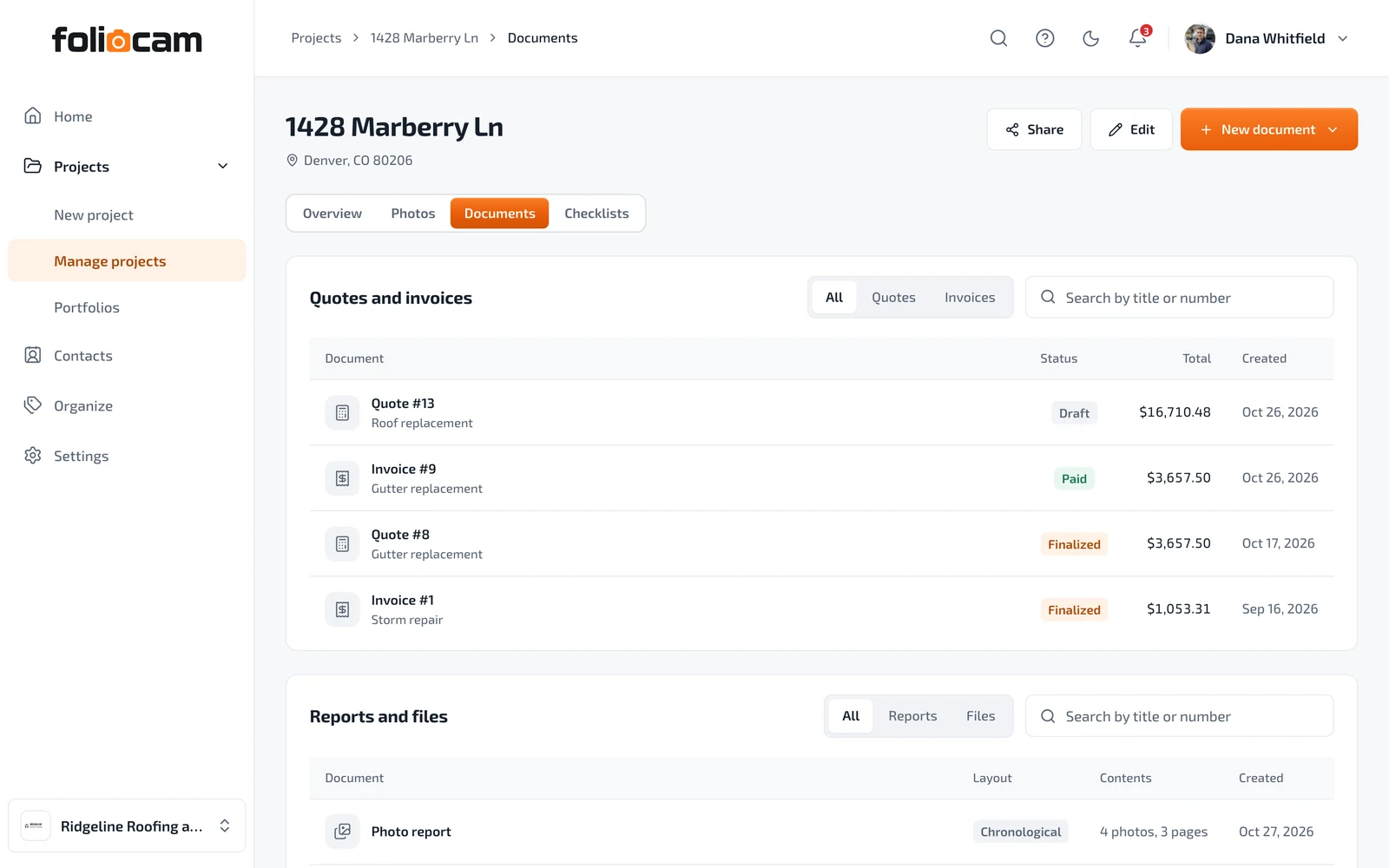
A report, a before and after, a portfolio. Made on the phone, opened on anything, with no account for your client.
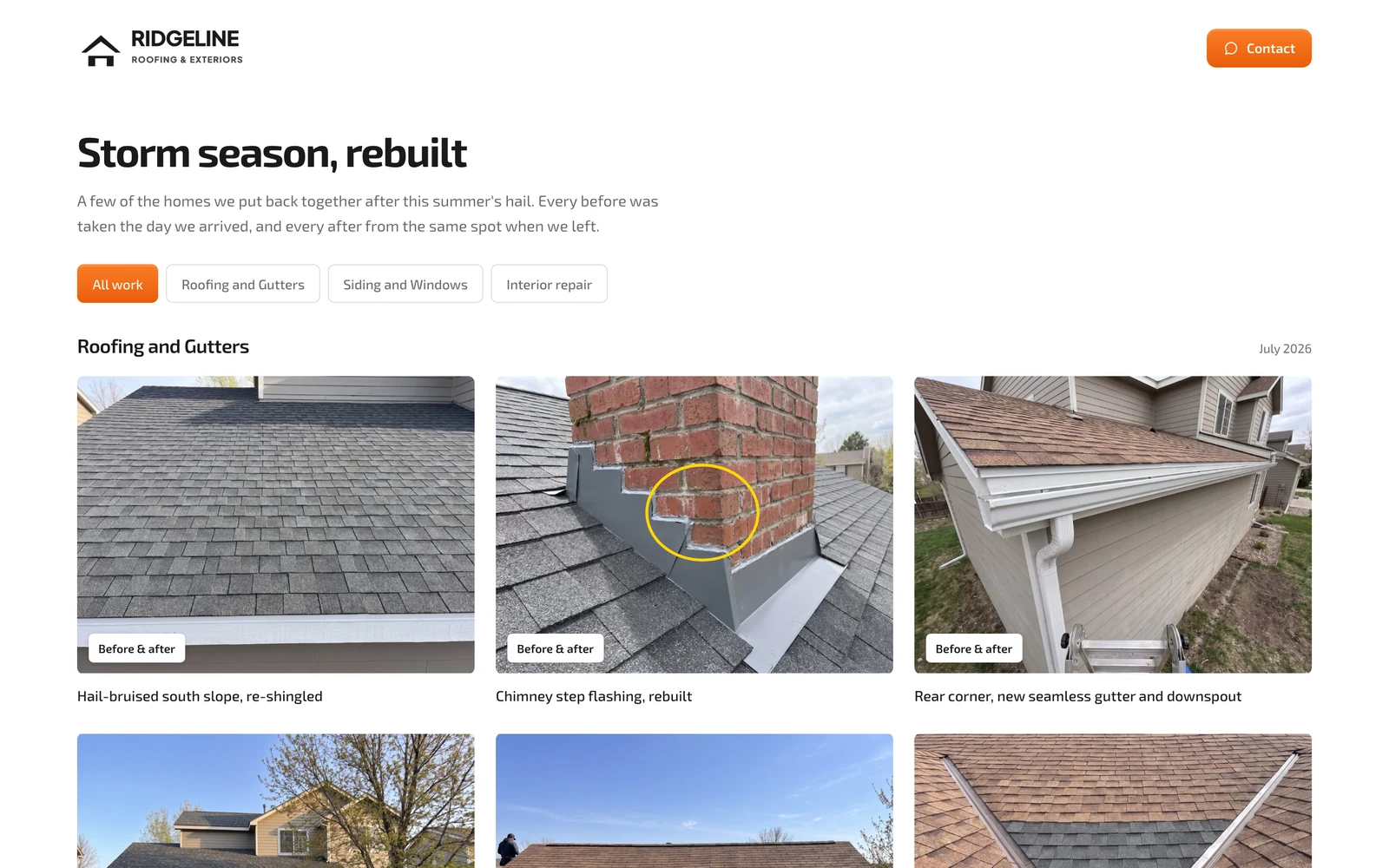
Built in, and on every seat.
Shoot and file photos on a roof, in a basement or out of range. They upload on their own once you're back online.
Pick a folder in the camera and every shot after it lands there.
Recorded when the shutter fires, never typed in later.
Hold to burst, a blur warning, and guidance back to the same angle.
Circle it, point to it, label it. The original stays clean.
Photos you already took file themselves from their date and place.
Every feature, on every plan. Only the number of people changes.
The ones we get asked before the first job.
Yes. Photos save on the phone first and upload when you're back online.
The app offers both and never guesses. A photo with no job in range is marked unfiled until you file it.
Everyone in your company. Admins see every project, and managers and workers see the projects they are on.
No. The link opens in any browser, can expire, and can be turned off.
No. The insurance company, the adjuster and the claim number sit on the job, and reach a link or a report only when you put them there.
Yes. Build an estimate on the job's customer, turn it into an invoice, and record the cash or the check. Taking a card payment online is not built yet.
iPhone and Android, built to be quick on inexpensive Android phones.
Built for the crew on the ladder and the agent showing the finished house.